AI Body Swap & Character Swap
Drop the clip you saw and one photo. Same moves, same camera, same sound, you in the lead. Or start from one of the viral videos below.
- ✓ One photo, no filming
- ✓ Original sound kept
- ✓ Price shown before you start


Or start from a ready-made video
Viral videos with the clip already picked. Each page shows the original, what you get, and the price in credits.
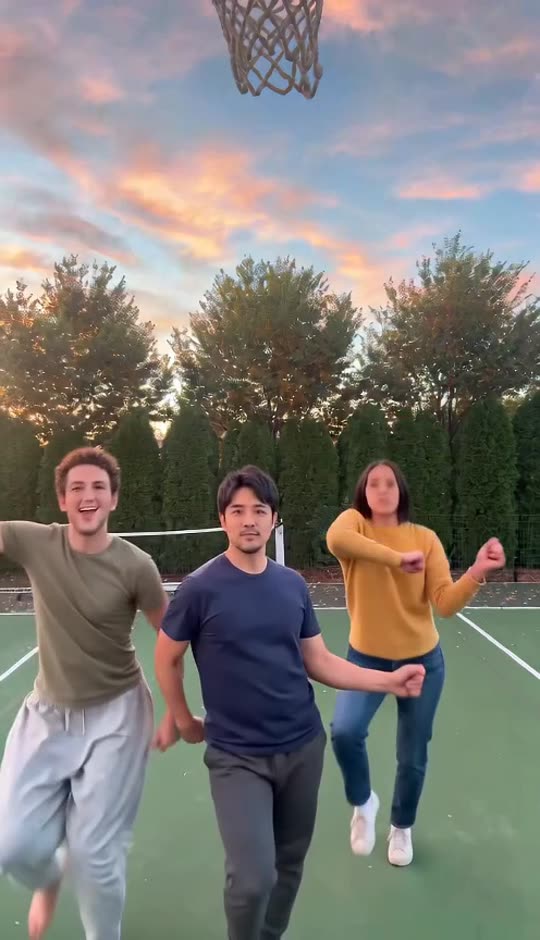
Chipmunks Dance AI
The three-person spin dance, starring you and two friends.
Make yours →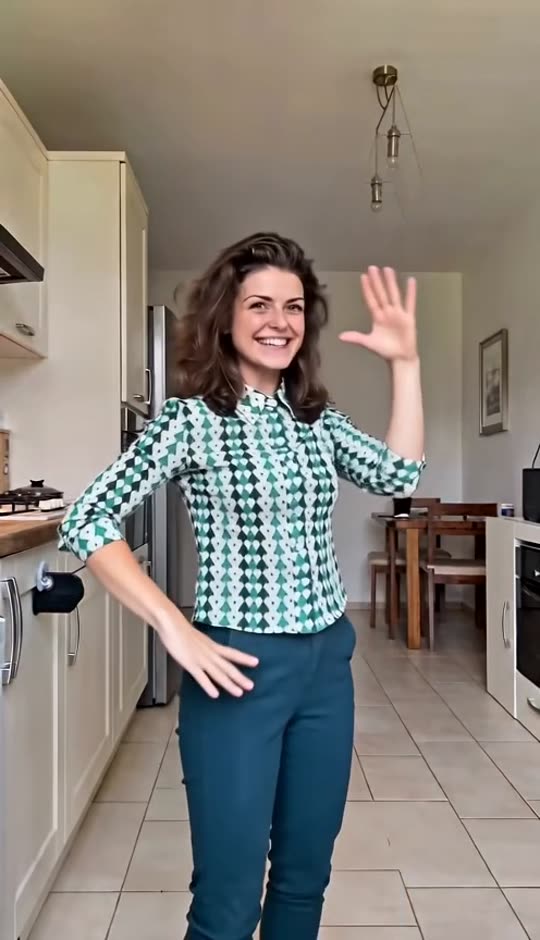
Bad Times AI
The kitchen argument with the camera, starring you.
Make yours →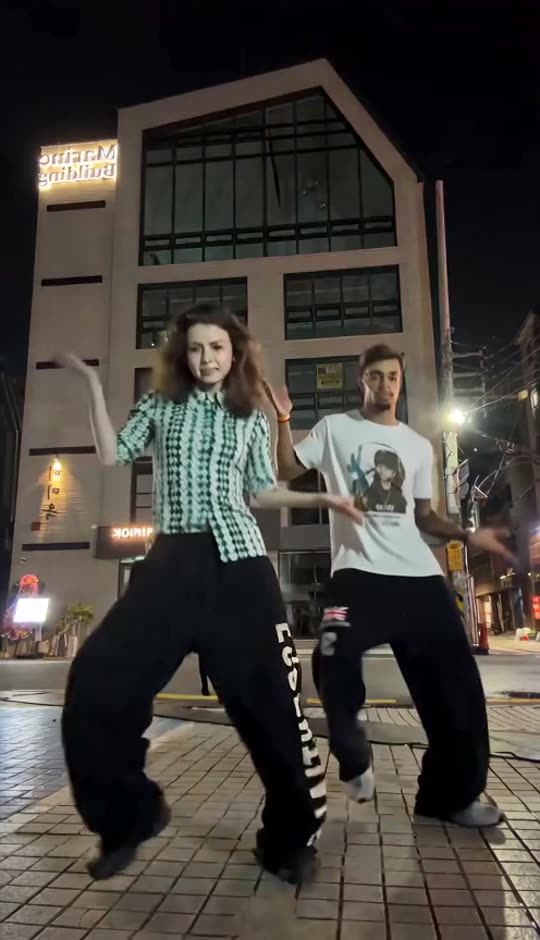
Come Back and Back AI
The side-by-side duo dance, starring you and a friend.
Make yours →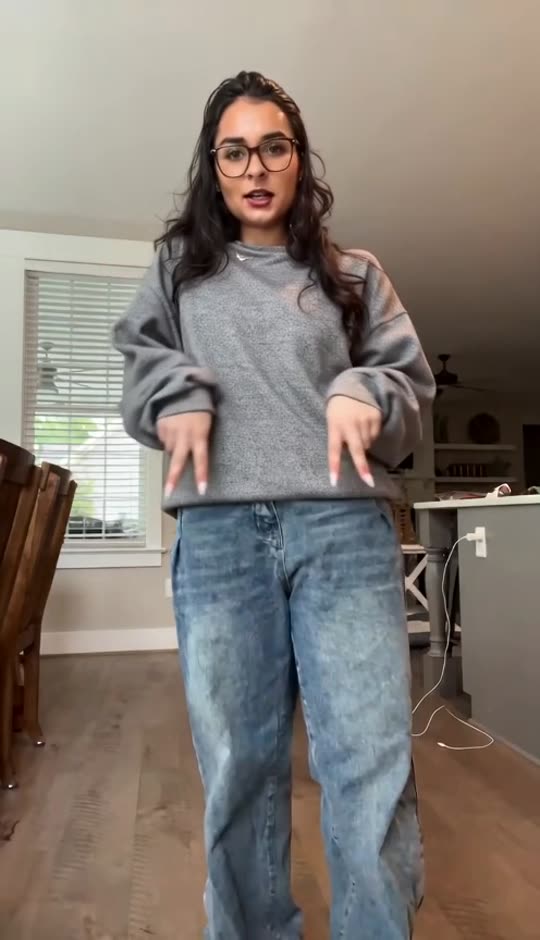
Not Like Us AI
The Not Like Us dance, starring you.
Make yours →How it works
Drop the clip
Save the TikTok, Reel or Short you want to be in, 4 to 30 seconds, and drop it here. We read who is in it.
Add your photo
One clear, front-facing photo. Match it to the person you want to replace; everyone else stays as filmed. Pick a quality tier and see the price.
Download and post
Rendering takes a few minutes. The original sound goes back under your video. Download the MP4 from My videos.
What an AI body swap does
The person in the clip is replaced with you: body, outfit, hair and face come from your photo, while the place, the other people, the camera moves, the timing and the sound stay exactly as filmed. It reads as you in the role, not your face pasted onto someone else.
It is not a face swap. A face swap keeps the original body and clothes and only changes the face, which often looks wrong when builds differ. Here the whole person is rendered again, so your own clothes and shape show up in the video.
You can replace one person or several: give each one a photo, and anyone you leave alone stays as filmed.
Which clips swap well
- One clear lead
- A person in the middle of the frame, mostly facing the camera. Faces that never show (back views, heavy motion blur) cannot be swapped.
- A steady shot
- Locked-off or slow camera moves beat fast handheld whips and quick cuts. Dances, transitions and skits swap best.
- Whole body in frame
- When hands and feet leave the frame, the model has to guess. A full-body photo of you helps for the same reason.
- 4 to 30 seconds
- Up to 15 seconds runs on every tier; longer clips run on Ultra. Trim the clip on your phone before you upload it.
What a video costs
Credits per 12 seconds of video, by tier and resolution. Shorter and longer clips pay their share by the second, and the price is on the button before you start.
| Tier | 480p | 720p | 1080p |
|---|---|---|---|
| Fast | 8 | 17 | — |
| Standard | 10 | 20 | 50 |
| Ultra | 17 | 37 | 93 |
Credits per 12 seconds of video. Clips over 15 seconds run on Ultra. A render that fails or is blocked returns its credits.
Safe to use
- Swap in yourself or someone who agreed to appear. Photos of celebrities and public figures are not accepted, and sexual content is blocked.
- You must be 18 or older to use the site. Photos of people under 18 need a parent's or guardian's consent.
- Photos, clips and results are sent to the video model through links that expire within an hour, are never used for training, and are deleted after 30 days. Reports are answered within 48 hours.
- Acceptable use, in full
Pay per video, credits never expire
From $0.40 per credit. A standard video is 10 credits.
Questions
What is an AI body swap?
The person in a short video is replaced with you, body, outfit and face, while the scene, the moves, the camera and the sound stay. It is not a face swap. Upload a clip you saw, or pick one of the ready-made videos on this site.
What clips work?
MP4 or MOV, 4 to 30 seconds, up to 50 MB. One clear lead facing the camera and a steady shot swap best. Clips over 15 seconds run on the Ultra tier.
What does a video cost?
Credits are per 12 seconds of video and the price is shown before you start. A 12-second Standard 480p video is 10 credits; shorter and longer clips pay their share by the second, and higher tiers or resolutions cost more. Credit packs start at $6.90 for 10 credits and never expire.
What happens if a render fails?
A render that fails or is stopped by the model's safety check returns its credits to your balance automatically.
Can I swap in a friend, or several people?
Yes. After the clip is read, each person in it gets a card. Give a photo to each one you want to replace; anyone without a photo stays as filmed.
How long does it take?
Usually 3 to 6 minutes. You can leave the page; the result also appears in My videos, and you can turn on an email when it is done.
What if the result does not look like me?
Likeness is never guaranteed and the photo is the usual cause: small, blurry, filtered or side-on faces, sunglasses and hats. Use a sharp, recent, front-facing photo in even light and try again. A render that fails or is blocked returns its credits automatically.
Which videos are the ready-made ones?
Short formats spreading on TikTok and Instagram right now, with the clip already picked and prepared. Each page shows the original, an example result and the price; you only add a photo.
Seen one you want to be in?
Drop the clip and one photo.
Start a swap